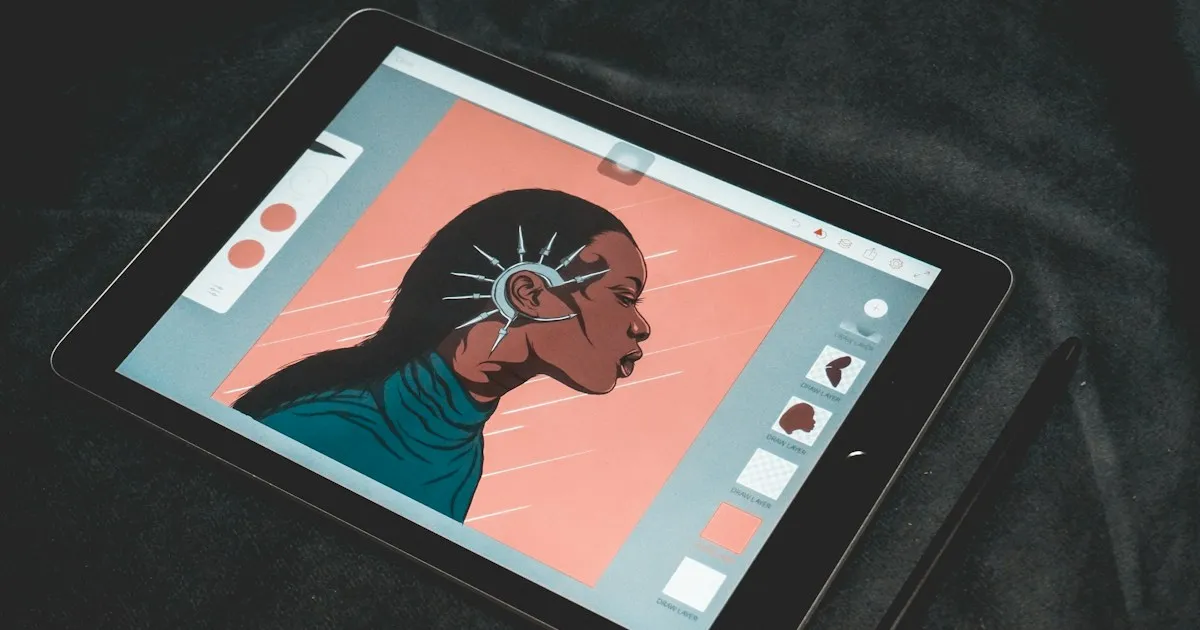
Photo by YongGuang Tian on Unsplash
PhotoCraft: open-source Photoshop in Rust, what it can do
PhotoCraft is a free image editor, rewritten in Rust from scratch, that aims to replace Photoshop. It reads and writes PSD files, handles layers, masks and adjustment layers, and works offline. It calls itself “early alpha”: it covers a large share of retouching features, but not yet everyday professional work.
The project grew out of the ArtCraft suite and remains the most followed of the seven. As of 9 October 2026, its repository shows more than 34,000 stars.
What’s there
The basic tools are present: 52 tools for selection, retouching, painting, text, shapes and transformation. Object selection and subject selection run locally, with no account and no cloud.
There are 16 adjustments, including curves, levels and vibrance. Layer styles cover drop shadow, glows, bevel, stroke and overlays. Layers can be grouped, masked, converted to smart objects, and use one of 27 blend modes.
On colour, the project handles RGB, greyscale, CMYK and Lab, in 8, 16 and 32 bits, with ICC management. Text is editable on the canvas, and shapes and paths can act as vector masks. Filters (blurs, sharpening, distortions, render effects) show a live preview.
On formats, the native file is .pcraft. PSD and PSB are read and written, along with multi-layer TIFF, SVG, PNG, JPEG, WebP, GIF, EXR and HDR. HEIC is read-only in the official builds, AVIF is write-only, and Affinity files open without an export step.
What’s missing
The project lists its own gaps. It has no generative AI features at all, which is the most visible one. Around twenty tools are still to be built, advanced typography and production workflows are incomplete, and Photoshop plugins don’t work. The repository mentions an examples/plugins/invert-rs folder, which suggests a Rust plugin system, but no documentation is published about it.
On Linux, drag and drop doesn’t work yet under Wayland. AVIF and JPEG XL decoding isn’t available.
The claimed figures
These measurements come from the project, and no comparison with Photoshop is published:
- a Gaussian blur with a radius of 180 on 3.6 megapixels takes under one second, thanks to multithreaded sliding-sum passes;
- on the psd-tools test corpus, the render after reopening and saving is identical for 307 files out of 309;
- 116 shape layers out of 116 match Photoshop’s pixels in the PSD corpus;
- the suite runs more than 1,700 tests.
The two PSD figures are the most telling. They suggest the project holds up when reading existing files, which is demanding. They say nothing about speed on a real 2 GB file.
A guide for an LLM agent
PhotoCraft is designed to be driven by an agent. The MCP server exposes more than 500 commands, from a single registry shared with the interface and the CLI.
Headless launch requires explicit roots, otherwise the agent has no access to any file:
photocraft-cli mcp --automation-read-root /work/project --automation-write-root /work/projectBridge mode, which drives an open desktop app, uses --bridge with a token file, described in the repository’s development.md.
The common tools are command_list, command_run, command_batch, doc_inspect and render_preview. The interface tools, ui_inspect and ui_screenshot, only exist in bridge mode. The repository doesn’t document a specific client configuration: the launch command is enough for a standard MCP client.
A few rules for an agent:
- start with
command_listand a filter to find the exact command identifier, rather than guessing; - use
doc_inspectbefore editing, to know the layers and the selection; command_batchis not atomic: each command creates its own undo step, so undo command by command if a batch fails;render_previewis capped at 2,048 pixels per side, which is enough to check a result without filling the context;- file names must be simple components: absolute paths, directory traversal and links leaving the root are refused, and so are existing target files.
An unknown argument error returns -32602, and a runtime failure returns isError: true. Catalogues are cached for ten minutes, so a newly added command can take a while to appear.
Verdict
PhotoCraft is useful for everyday retouching of PSD files, for testing an automated chain on images, and for following a free project from its early days. It doesn’t replace Photoshop for professional work, especially without generative AI and plugins. The first thing to do: open one of your PSDs, save it, then compare it with the original. The project itself considers this the most important test.
Related articles
ArtCraft: the open-source Rust suite that mimics Adobe
ArtCraft brings together seven free Rust apps that rebuild Photoshop, Premiere, Lightroom and their cousins: status, licences, MCP and limits.
Lire l'article →
Du code à la vidéo : mon flux de travail
Comment je passe d'un projet de code à une vidéo YouTube, sans perdre la moitié de mon temps dans les outils.
Lire l'article →Sources
What I read, watched or checked while writing this article.
- storytold/photocraft GitHub repository: features, platforms, formats, licence and figures noted on 9 October 2026 github.com (opens in a new tab)
- docs/mcp.md in the photocraft repository: MCP tools, launch and limits raw.githubusercontent.com (opens in a new tab)
- AI News Weekly, 7 October 2026: presentation of the project, caveats and reactions aiweekly.co (opens in a new tab)