Photo by Luke Chesser on Unsplash
Information density: emptiness isn't always comfort
A nurse once showed me the software she uses. Old generation, grey, ugly, a system font, tables everywhere. She could see fifteen patients and their vitals on one screen. The planned redesign, which I saw as a mockup, showed three patients in nice rounded cards with plenty of air. On paper, it looked better. In her ward, it meant scrolling five times for what she used to read at a glance.
White space has become a reflex, not a decision
Space on a page has real virtues. It separates, it creates hierarchy, it lets the eye rest. The problem starts when generous spacing becomes an aesthetic rule applied the same way everywhere, on a marketing homepage as on a workstation used eight hours a day.
These are two opposite audiences. A visitor to a homepage knows nothing, stays thirty seconds, and needs to be told one thing. An operator who lives in their tool knows everything, spends the day in it, and needs to see it all. The first wants to be guided, the second wants to be efficient, and both get the same component style.
What should stay dense
The useful idea is an old one: maximise the share of the display devoted to real information, rather than to decoration, frames, shadows and padding that teach nothing. That doesn’t mean cramming everything together. It means every pixel spent has to earn its place, including the empty ones.
In practice, a few things almost always benefit from density:
- comparison tables, where the eye has to scan a column
- lists you consult several times an hour
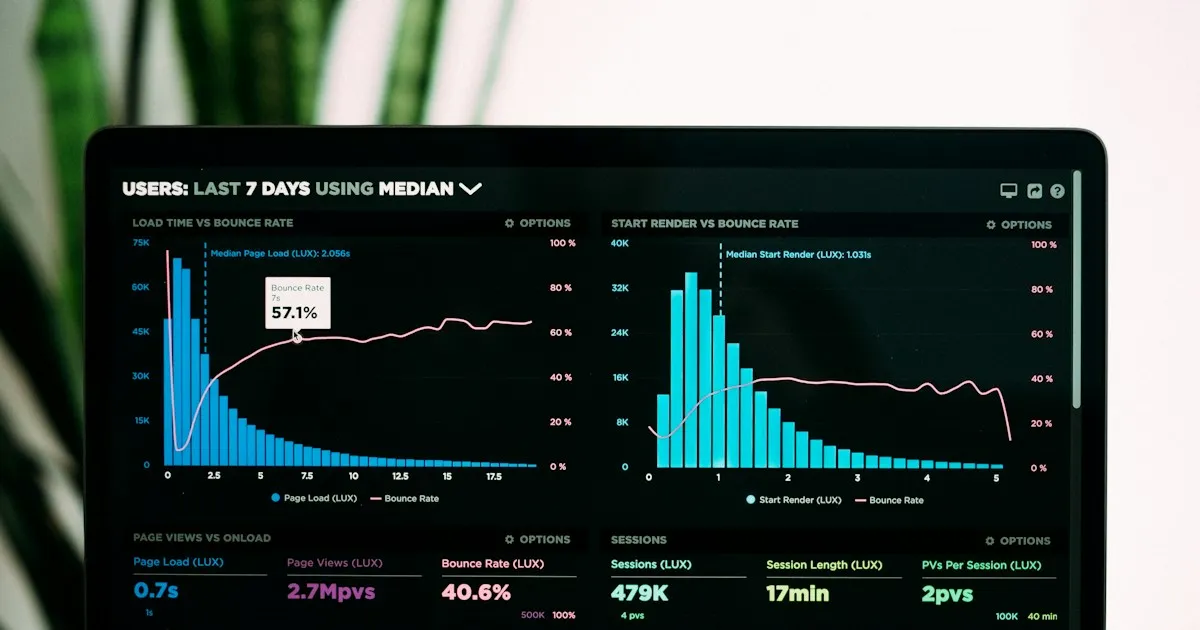
- monitoring dashboards, where an anomaly stands out by contrast with the rest
- long, repetitive forms, typed by trained people on a keyboard
And a few elements should never be compressed, because they relate to accessibility, not taste: clickable targets have a minimum size recommended by the WCAG rules, and the line spacing of long text is a matter of readability, not style.
What density costs those who refuse it
The vertical compression of professional interfaces has a measurable effect on work: more scrolling, more navigation, more working memory spent rebuilding a table the screen no longer shows in full. That cost doesn’t fall on the person who approved the mockup. It falls on the person using the tool, and it is paid in fatigue rather than in a budget line, so it doesn’t appear anywhere.
I made the mistake myself on my own projects. I have components I’m quite happy with in a screenshot, and that become painful as soon as there are sixty rows of data in them. A screenshot is a very poor test bench: it tests the empty interface.
How I decide now
Before choosing a spacing, I ask one question: how many times a day will this view be looked at? Below once, I add air. Above ten, I densify and offer a compactness setting, because the right density isn’t the same for a laptop screen and a desktop monitor.
The nurse’s old grey software will stay ugly. It still saves her two minutes on every shift handover, and those two minutes aren’t decorative.
Related articles

Does dark mode really save battery? Not on every screen
On OLED, black pixels use less power. On LCD, almost nothing changes. What I noticed moving my interfaces to dark, without the myth, and why I kept it.
Lire l'article →
Why our reading apps still imitate paper, and why it matters
A look at digital skeuomorphism and our emotional attachment to old objects, and why reading apps still fake page turns and paper textures on screens.
Lire l'article →Sources
What I read, watched or checked while writing this article.
- Wikipedia (en). Data-ink ratio: Tufte's principle on the share of ink devoted to useful information en.wikipedia.org (opens in a new tab)
- W3C. Understanding WCAG 2.2 Target Size (Minimum): minimum size of interactive targets w3.org (opens in a new tab)
- Nielsen Norman Group: research on usability, on-screen reading and professional interfaces nngroup.com (opens in a new tab)